
Your budget, in the open
Set a Naira budget across categories. See what is agreed and what you recorded as paid. If the figures go over, the planner says so. It does not take payments.
Free event planner
Weddings, birthdays, company events and more. Keep your budget in Naira, your checklist, guests and vendors together. No account needed.

In the planner
Budget, lists and progress, without a long read. No account, and nothing you type is sent to SkillConnect.
Set a Naira budget across categories. See what is agreed and what you recorded as paid. If the figures go over, the planner says so. It does not take payments.
Keep a checklist, timeline, guest list and vendor quotes together. Add ceremonies or sessions, souvenirs and a private gift wishlist.
Name the event, add colours or a theme, and follow a countdown. Encouragement is optional, and you can edit the words.
See how far this event has come and unlock medals for this event. Download a share card as a picture on your device, not a public page.
No account needed. Your plan stays in this browser on this device. Nothing you type is sent to SkillConnect.
You can plan several events side by side, and print or save a PDF. Contact details stay out of the PDF unless you add them.
How to start
For every occasion
Choose what you are planning and the planner suggests budget categories and tasks to match. Add each ceremony, day or session with its own date and guests.
Your data
Your events are saved in this browser on this device as you work. Nothing you enter is sent to SkillConnect.
Next step
When you are ready to hire, find vendors in the app. Your plan is not connected to the app yet.
Quick answers
No. The planner works in your browser without an account.
Yes.
Weddings, birthdays, anniversaries, baby showers, naming ceremonies, bridal showers, graduations, company events, conferences, product launches, community events and anything else you are organising.
Yes. Each event has its own budget, checklist, guests and vendors. You can archive an event when it is over, or use one as a starting point for the next.
Yes, in this browser on this device. The planner saves as you work. It is not backed up, not synced to other devices and not linked to an account, and clearing your browser data deletes it. Use Export backup to keep a copy. Saving to an account is planned for a later release.
Yes. Your events, including guest names and contact details, are kept in your browser on this device. They are not sent to SkillConnect.
Plans saved by the earlier wedding planner in this browser move into My Events the first time you open it. The original copy is kept unchanged.
No. Payments you record are your own notes. The planner does not take payments.
Not yet. Online invitations, replies and a shared plan link are not part of the planner today. You can download a share card or a PDF for yourself.
No. The mobile app has a Wedding Planner. This page links to a separate guest Event Planner on the website that saves only in this browser. Signing in and cloud saving are not available on the website planner.
It compares your budget with the amounts you typed. It is a reminder, not a block, and it does not check a bank or Paystack.
Keep reading
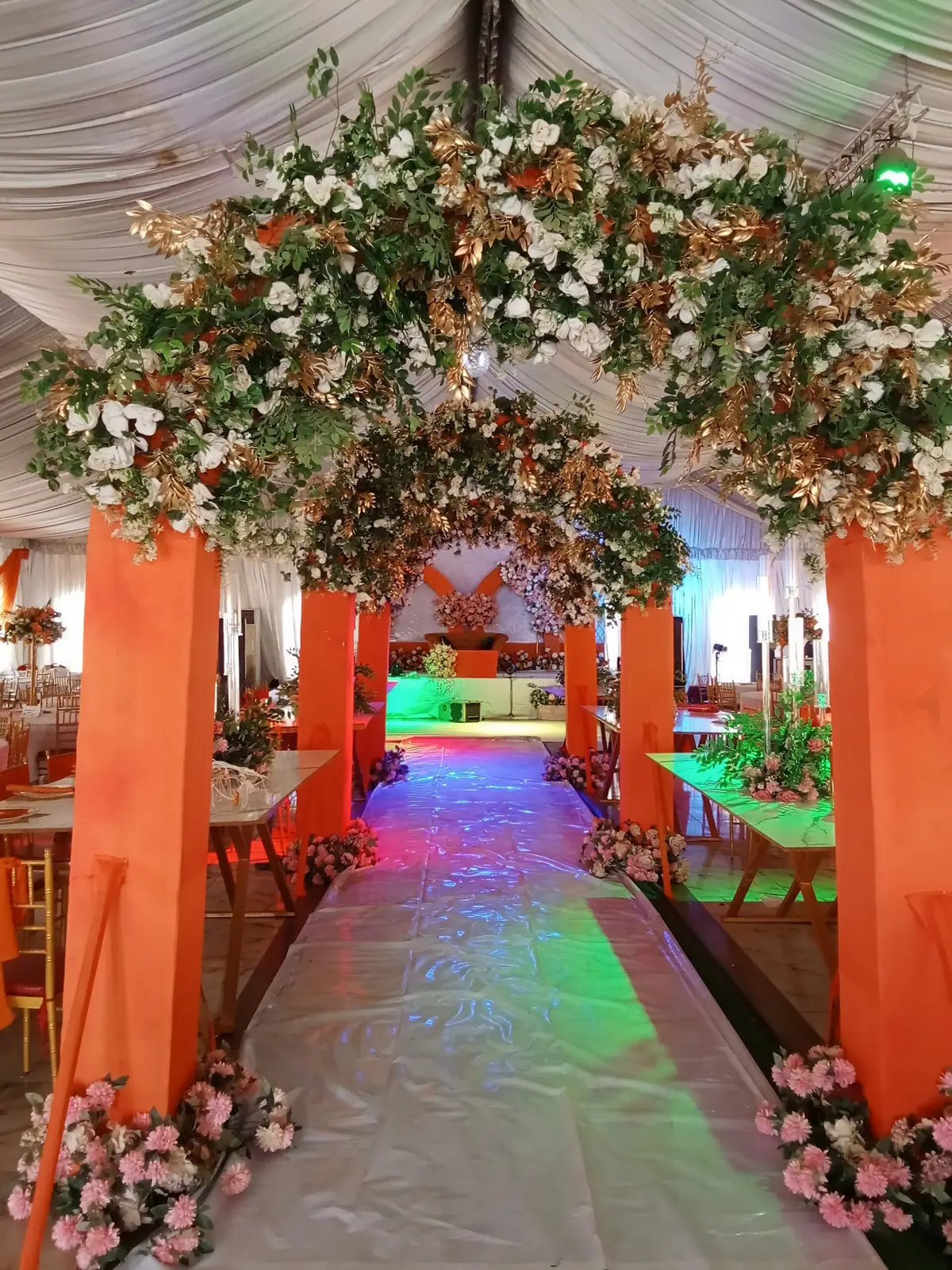
Learn how to set a wedding budget in Nigeria, keep a reserve, compare quotes and track what you pay. Includes a worked example in naira.
Reviewed 25 October 2026 4 min read

Get quotes you can compare. Learn what to ask, how to line them up side by side and how to agree a final price with a wedding vendor.
Reviewed 25 October 2026 3 min read

Planning more than one ceremony? Learn what to settle first: dates, guest lists, budgets, families, vendors and the legal marriage steps.
Reviewed 25 October 2026 4 min read