
A payment does not give the vendor the right to withdraw straight away. Money becomes eligible for payout only after approval.
For customers and vendors
How SkillConnect works
From finding the right vendor to signing off the finished job, here is how SkillConnect works in the app.
Step by step
Choose your journey
Six steps from first search to finished job. Screens are from the SkillConnect app, shown with sample accounts.
Step 1 of 6
Discover vendors
Browse by the service you need and see where each vendor is based. Profiles show their work, services and price ranges.
Step 2 of 6
Post a job
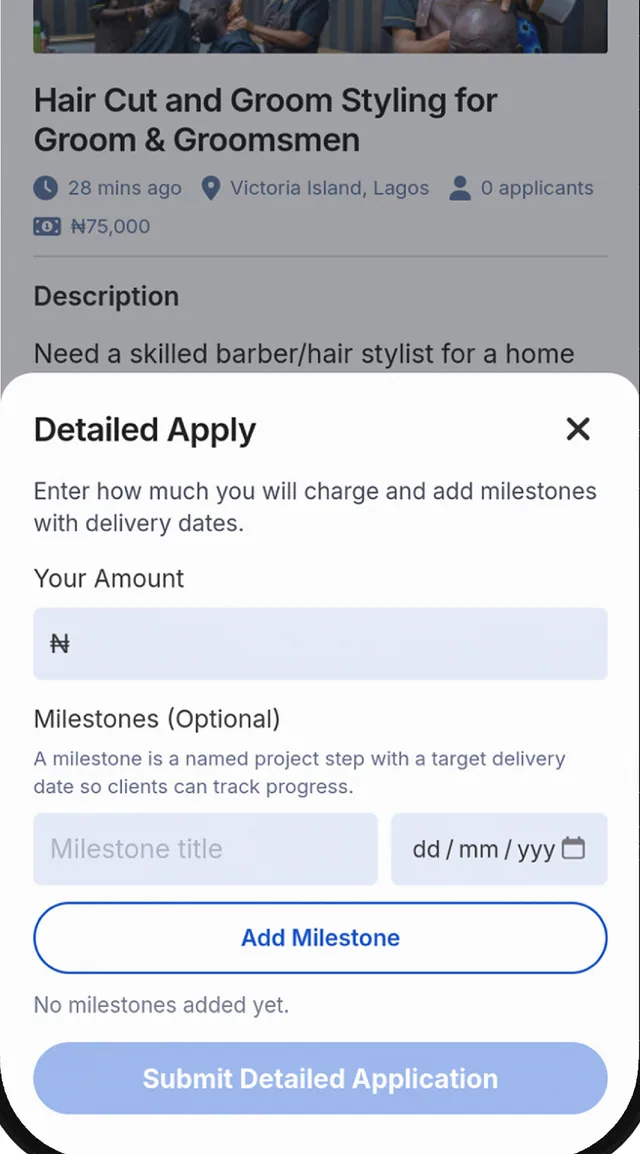
Describe what you need, the date and where the event is. Easy Apply suits smaller jobs. Detailed Apply lets vendors give more information on bigger ones.
Step 3 of 6
Review applications and profiles
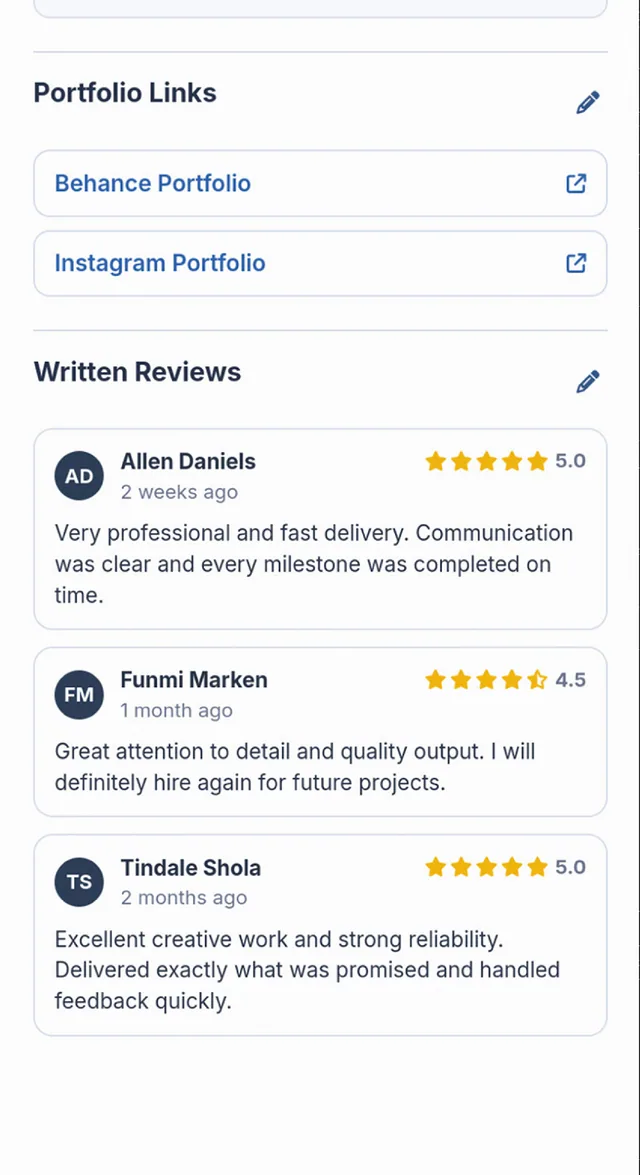
Vendors apply. Compare their profiles, portfolios and reviews, and look for the Verified badge. Verified means identity checks and a completed profile. It is not a promise about quality.
Step 4 of 6
Agree the scope of work
Talk to the vendor and agree what is included, the date and the price before any work starts.
Step 5 of 6
Review the payment request
The vendor sends a payment request with the amount and any milestones. Check it and ask for changes before you pay in the app.
Step 6 of 6
Confirm the work is complete
When the vendor submits the work, check it, then approve it or ask for changes in the app. You can leave a review.
1 of 6
Step 1 of 6
Create your vendor profile
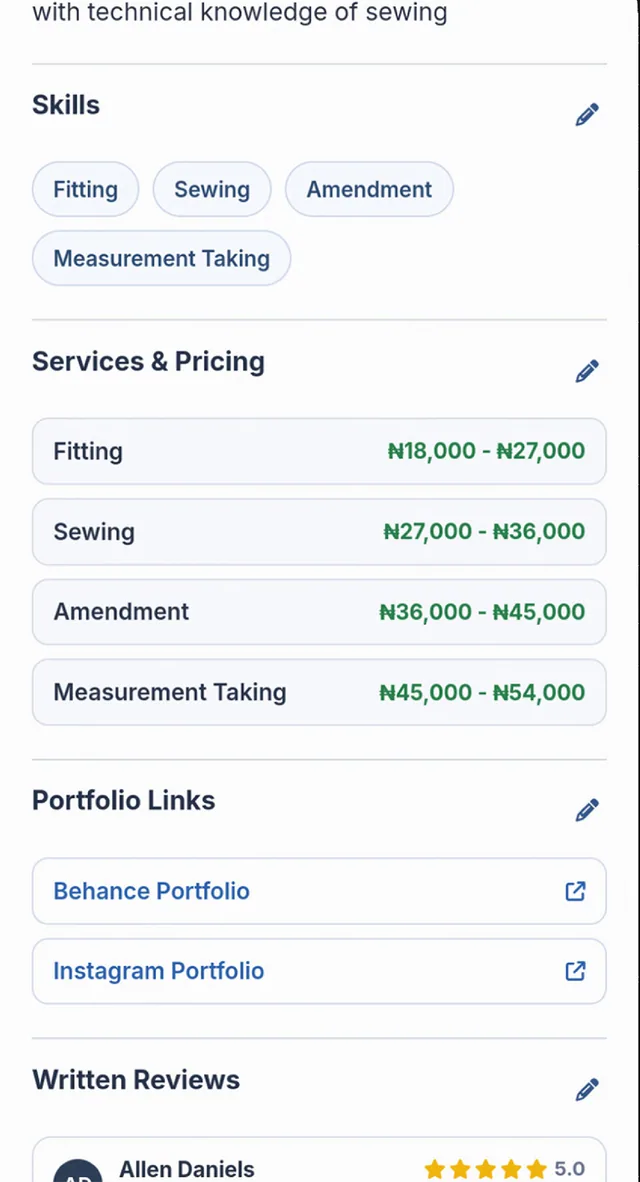
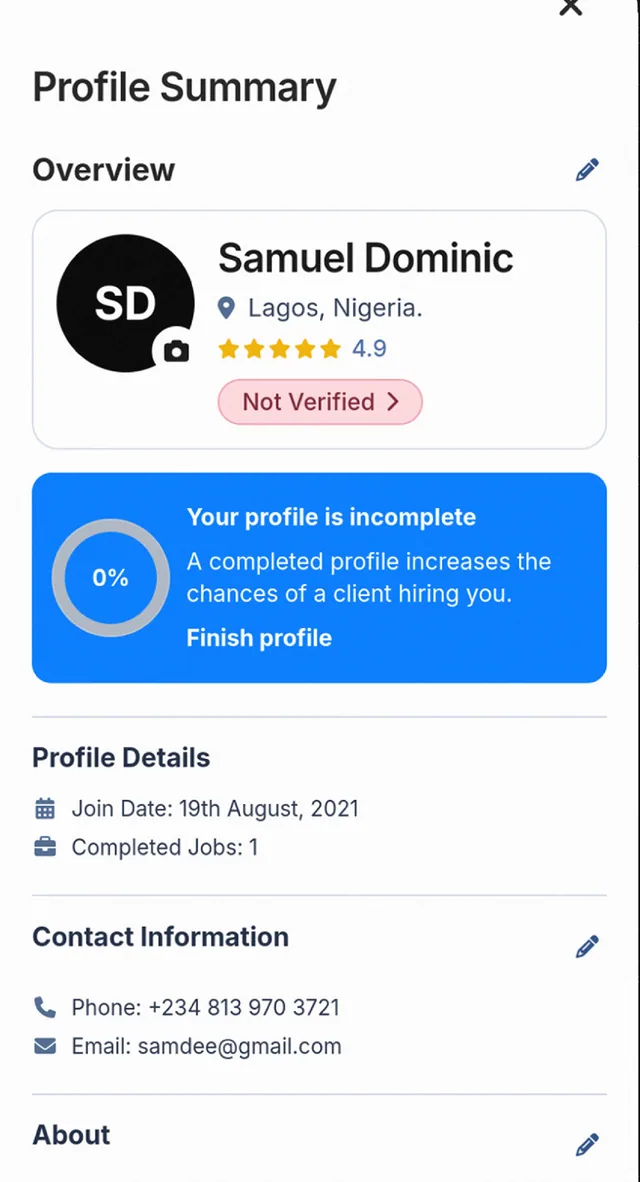
Add your services, prices and portfolio. Complete identity checks in the app to earn the Verified badge.
Step 2 of 6
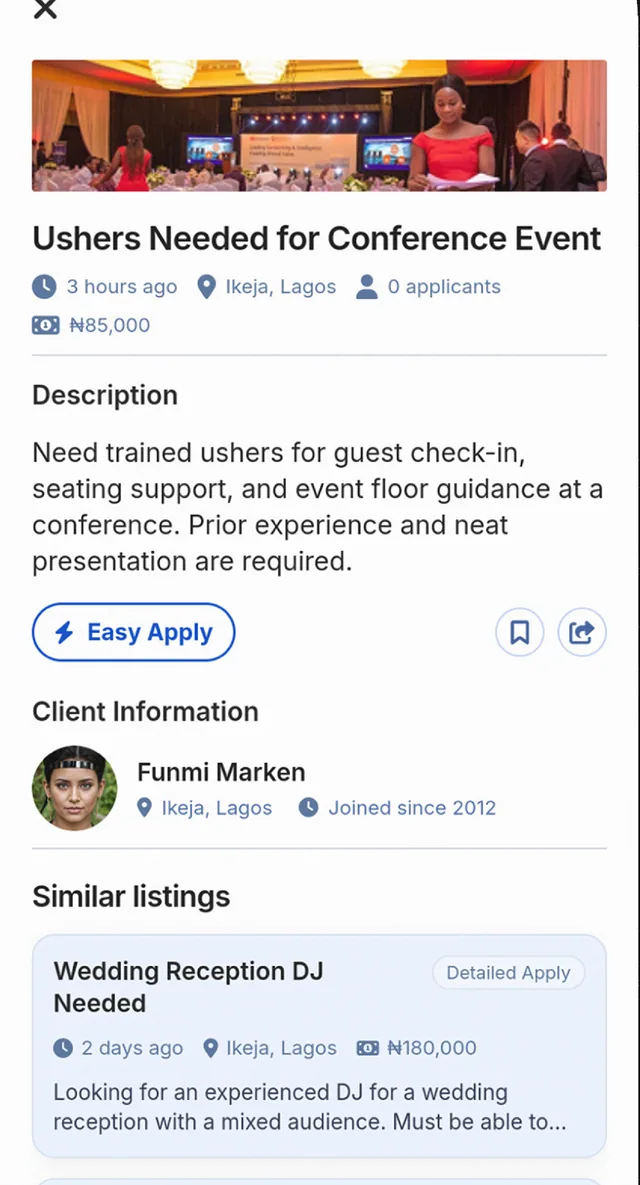
Discover opportunities
See jobs posted by customers, with the date, the budget and where the event takes place.
Step 3 of 6
Apply
Use Easy Apply for smaller or straightforward jobs. Use Detailed Apply to give your amount and milestones on bigger projects.
Step 4 of 6
Agree the job
Talk to the customer and agree what is included, the date and the price.
Step 5 of 6
Follow the payment process
Send a payment request in the app. The customer reviews it, can ask for changes, and pays before the work starts.
Step 6 of 6
Complete the agreed work
Do the work and submit it in the app. After the customer approves it, you can request a payout. Reviews from finished jobs build your profile.
1 of 6
What if the customer does not respond to finished work?
The customer has seven days to approve the work or ask for changes. If the customer does not respond, SkillConnect reviews the case and may authorise release. Payment is not released automatically just because those seven days have passed. An open dispute is dealt with before release.
What if something goes wrong?
Either side can raise a dispute in the app or by email. While it is open, an amount that has not been released may be held back from release.
How do milestones work?
A bigger project can be split into milestones. Each milestone is paid, delivered, reviewed and approved on its own. Approving one milestone does not approve the others. The project is complete only when all the required milestones are complete and approved.
When can a vendor be paid?
After the customer approves the work, the vendor can ask to withdraw. We aim to process a withdrawal within 3 to 5 working days. That is a target, not a promise of when the money arrives.
Good to know
What to remember
Customer payments are processed through Paystack. SkillConnect normally initiates the vendor payout after approval in the app. An eligible dispute before payout can pause release. SkillConnect is not a licensed escrow provider.
Verified means identity checks and profile completed. It does not guarantee quality.
Nothing here guarantees a result in a dispute, a refund in every case, or that money already paid out can be recovered.